Tips for Creating a Comfortable and Productive Home Office Environment
Creating a home office that feels comfortable and supports productivity is essential for anyone working remotely or managing tasks from home. A well-designed workspace can improve focus, reduce stress, and maintain a healthy work-life balance. Whether you have a dedicated room or just a corner, these tips will help you build a space that works for you.
Choose the Right Location
Prioritise Natural Light
Natural light can positively affect mood and energy levels. Try to position your desk near a window to benefit from daylight. If this isn’t possible, invest in good quality lighting that mimics daylight to reduce eye strain and create a welcoming atmosphere.
Minimise Distractions
Select an area that is as quiet as possible and away from high-traffic zones in your home. If you live with others, communicating your working hours can help reduce interruptions. Consider using noise-cancelling headphones if ambient noise is unavoidable.
Invest in Ergonomic Furniture
Comfortable Chair
A good office chair is vital. Look for one with adjustable height, lumbar support, and comfortable cushioning. Supporting your posture prevents aches and fatigue during long working hours.
Appropriate Desk
Choose a desk that suits your space and needs. It should allow enough room for your computer, documents, and any other equipment. Standing desks or adjustable desks can be beneficial if you want to alternate between sitting and standing.
Organise Your Workspace Efficiently
Declutter Regularly
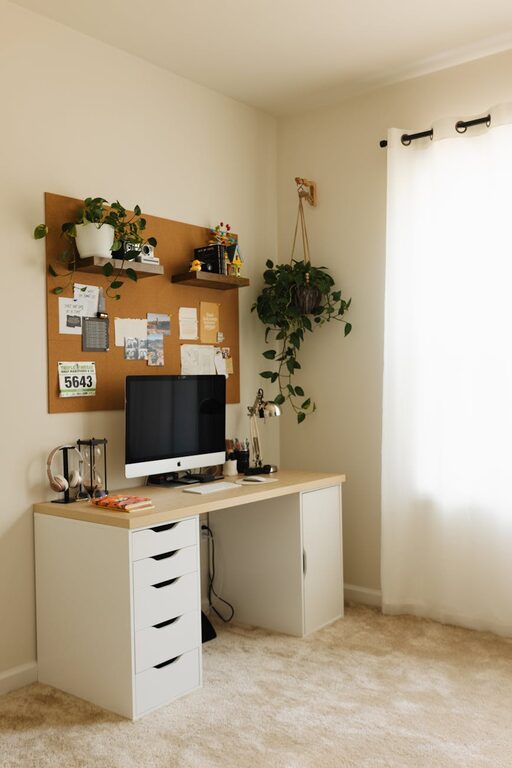
Keep only necessary items on your desk. Clutter can hinder concentration and create stress. Use organisers, trays, or drawers to store office supplies neatly.
Effective Storage Solutions
Incorporate shelves, filing cabinets, or storage boxes to keep documents and equipment organised. Label containers for easy access. An organised area saves time looking for things and keeps your mind clear.
Technology and Connectivity
Reliable Internet Connection
Make sure your home office has a strong and stable internet connection. This is especially important if your work includes video calls, large file uploads, or online collaboration.
Quality Equipment
Invest in a good monitor, keyboard, and mouse that suit your needs. A separate monitor can reduce eye strain compared to working solely on a laptop screen. Also, consider accessories such as a webcam and microphone for professional video calls.
Create a Comfortable Atmosphere
Temperature and Ventilation
Keep the temperature in your workspace comfortable, neither too hot nor too cold. Good ventilation is important to maintain fresh air, which helps focus and prevents drowsiness.
Personal Touches
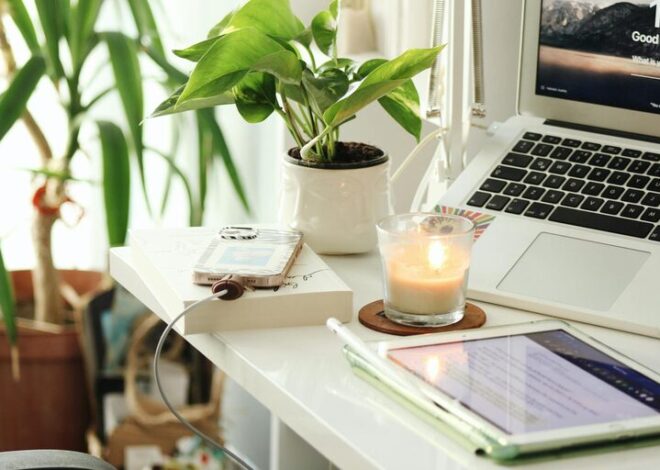
Add elements that make you feel comfortable and inspired. This might include plants, photos, or artwork. Greenery not only beautifies the space but can also improve air quality and reduce stress.
Maintain a Healthy Work Routine
Take Breaks
Avoid sitting for long periods. Standing up, stretching, or walking around every hour can reduce physical discomfort and boost creativity.
Establish Boundaries
Define your working hours and stick to them. This helps you separate work from personal life and avoid burnout. Communicate your schedule with family members if needed.
Keep Hydrated and Snack Wisely
Have a water bottle close by and remember to drink regularly. Choose healthy snacks to maintain energy without the sugar crashes.
Lighting Tips for Productivity
Task Lighting
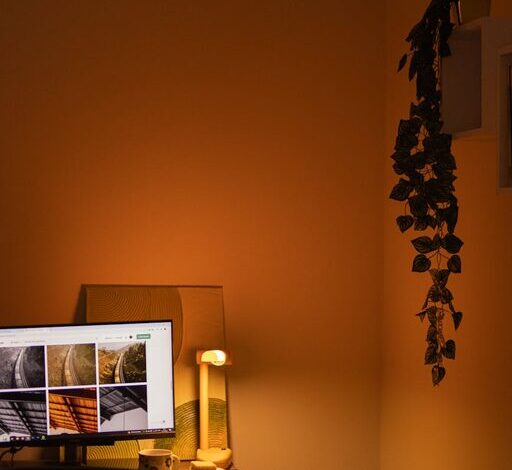
Use a desk lamp to illuminate documents or work areas that are not well lit by natural or overhead light. Adjustable lamps allow you to direct light where it’s most needed.
Avoid Glare
Position screens and lights to avoid reflections or glare on your monitor. This helps reduce eye strain and headaches.
Final Thoughts
Designing a home office that is both comfortable and productive doesn’t have to be complicated or expensive. By focusing on location, ergonomics, organisation, technology, and atmosphere, you can create a workspace that supports your best work and wellbeing. Remember, the best home office is one tailored to your personal needs and preferences.
Take small steps to improve your workspace, and you’ll likely notice a positive difference in your motivation and output. Happy working!