Tips for Creating a Productive Home Office Environment
Creating a productive home office environment is essential for anyone working remotely or spending significant time on tasks at home. A well-designed workspace does more than just provide a place to work; it helps maintain focus, reduces stress, and supports overall wellbeing. Whether you have a dedicated room or just a corner to spare, these tips will help you set up an effective home office that suits your needs.
1. Choose the Right Location
Selecting the ideal spot for your home office is the first step towards productivity.
– Quiet and Private: Look for a space away from household noise and distractions, where you can concentrate.
– Natural Light: Try to find a spot near a window. Natural light boosts mood and energy, reducing eye strain.
– Space Considerations: Ensure there’s enough room for your desk, chair, and any other equipment you need without feeling cramped.
If space is limited, consider using room dividers or screens to create a sense of separation.
2. Invest in Ergonomic Furniture
Comfort and physical health are important to maintain focus throughout the day.
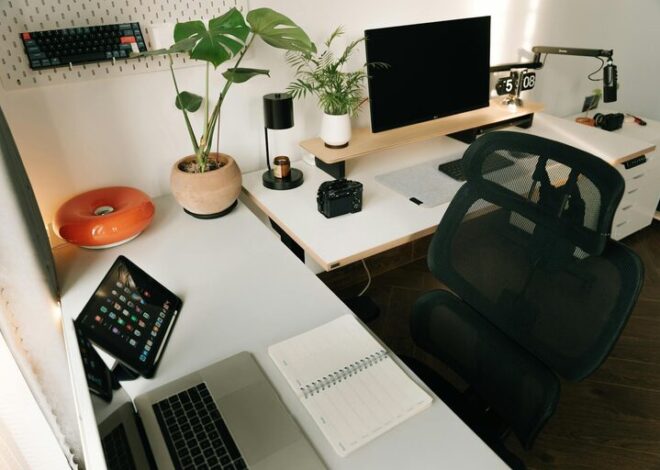
– Desk: Choose a desk with enough surface area for your computer, notes, and any other essentials.
– Chair: An adjustable, supportive chair is crucial. Look for one with lumbar support and height adjustment to keep a good posture.
– Monitor Height: Set your computer screen so the top is at eye level to avoid neck strain.
– Footrest: If your feet don’t reach the floor, use a footrest to support your legs comfortably.
Taking care of your posture can prevent aches and help you stay productive.
3. Organise Your Workspace
A tidy space leads to a tidy mind. Keep your workspace organised to minimise distractions.
– Declutter Regularly: Remove unnecessary items at the end of each day.
– Storage Solutions: Use shelves, drawers, and boxes to keep stationery and documents organised.
– Cable Management: Tidy cables using clips, ties, or a cable box to avoid mess.
– Daily Essentials: Keep frequently used items within arm’s reach to avoid interrupting your workflow.
Developing a system that works for you will save time and reduce frustration.
4. Optimise Lighting
Good lighting is key to avoiding eye strain and creating a welcoming atmosphere.
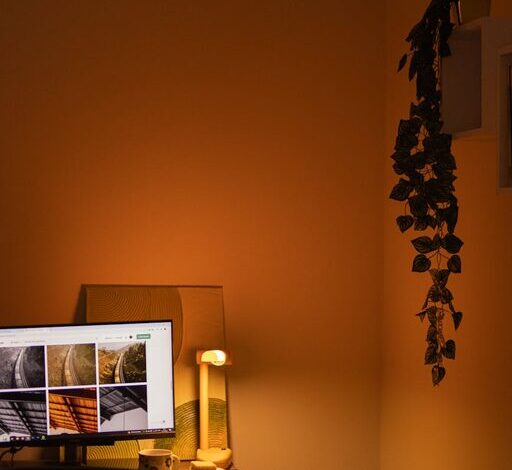
– Combine Natural and Artificial Light: Use natural daylight when possible, supplemented with desk lamps or overhead lighting.
– Avoid Glare: Position screens and lights to reduce glare and reflections.
– Adjust Brightness: Use adjustable lighting to create a comfortable environment throughout the day.
Consider bulbs with a colour temperature of around 4000K, which closely replicates natural light.
5. Minimise Distractions
Keeping distractions at bay helps maintain concentration and workflow.
– Limit Noise: Use noise-cancelling headphones, earplugs, or white noise machines to reduce background noise.
– Set Boundaries: Communicate your working hours to family or housemates to minimise interruptions.
– Turn Off Notifications: Silence non-essential phone and computer notifications during work hours.
Creating ‘work time’ and ‘break time’ helps reduce the temptation to multitask.
6. Personalise Your Space
Adding touches that inspire and motivate you can make your home office a pleasant place to be.
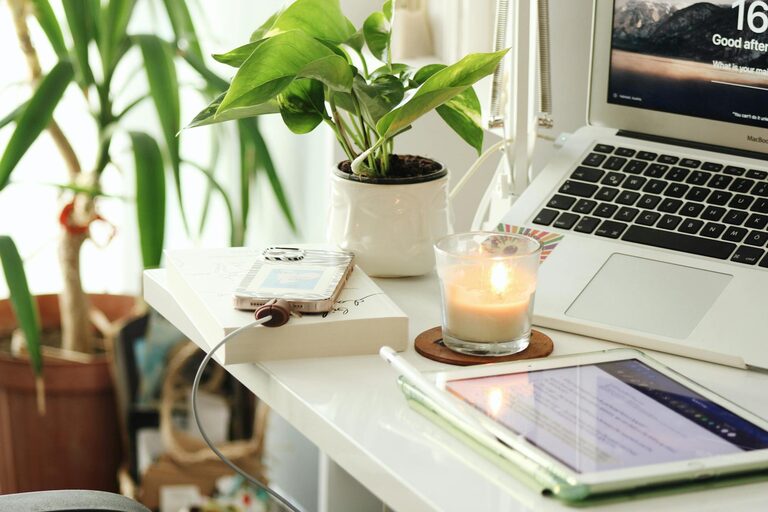
– Plants: Indoor plants improve air quality and add a splash of greenery.
– Artwork or Photos: Display items that make you happy or remind you of your goals.
– Colour: Use colours that promote calmness or creativity—soft blues, greens, or neutrals are often good choices.
– Aromatherapy: Consider subtle scents like lavender or citrus to enhance your mood.
Personalising your workspace helps you feel comfortable and engaged.
7. Establish a Routine
A productive home office is also about setting habits.
– Regular Hours: Try to start and finish work at consistent times.
– Scheduled Breaks: Take short breaks every hour to stretch, hydrate, and reset.
– Morning Ritual: Begin the day by organising tasks or reviewing your plan to get into ‘work mode’.
– End-of-Day Routine: Clear your desk and review accomplishments to unwind.
Routines help create boundaries between work and home life, which is especially important when working remotely.
8. Use Technology Wisely
Technology can either help or hinder productivity depending on how you manage it.
– Fast Internet: Ensure your connection is strong and reliable.
– Useful Tools: Use apps and software that help with task management, communication, and focus (like calendars, to-do lists, and video calling platforms).
– Regular Backups: Protect your work by backing up files regularly, either to the cloud or an external drive.
– Equipment Maintenance: Keep your devices clean and update software to avoid frustrating disruptions.
Leveraging technology efficiently keeps your workflow smooth and uninterrupted.
—
Creating a productive home office environment is about balancing functionality, comfort, and personal style. By taking the time to plan and organise your workspace, you can improve both your efficiency and wellbeing. Whether you are new to remote work or looking to enhance your current setup, these tips will help you create a home office that works best for you.